A live site, our own app and three concept studies
Each project below pairs a working page with its structure and design decisions. DAZY is a live site and Next Move is an app we make ourselves; the three concepts after them are demos for fictional businesses.
DAZY is a live site we designed and built; its AI images are labelled on the site, and we make no claims about its results. Next Move is our own product. The three concepts are fictional businesses, with imagery created or licensed for demonstration; no client relationship is implied.
Live projects
Live siteApparel
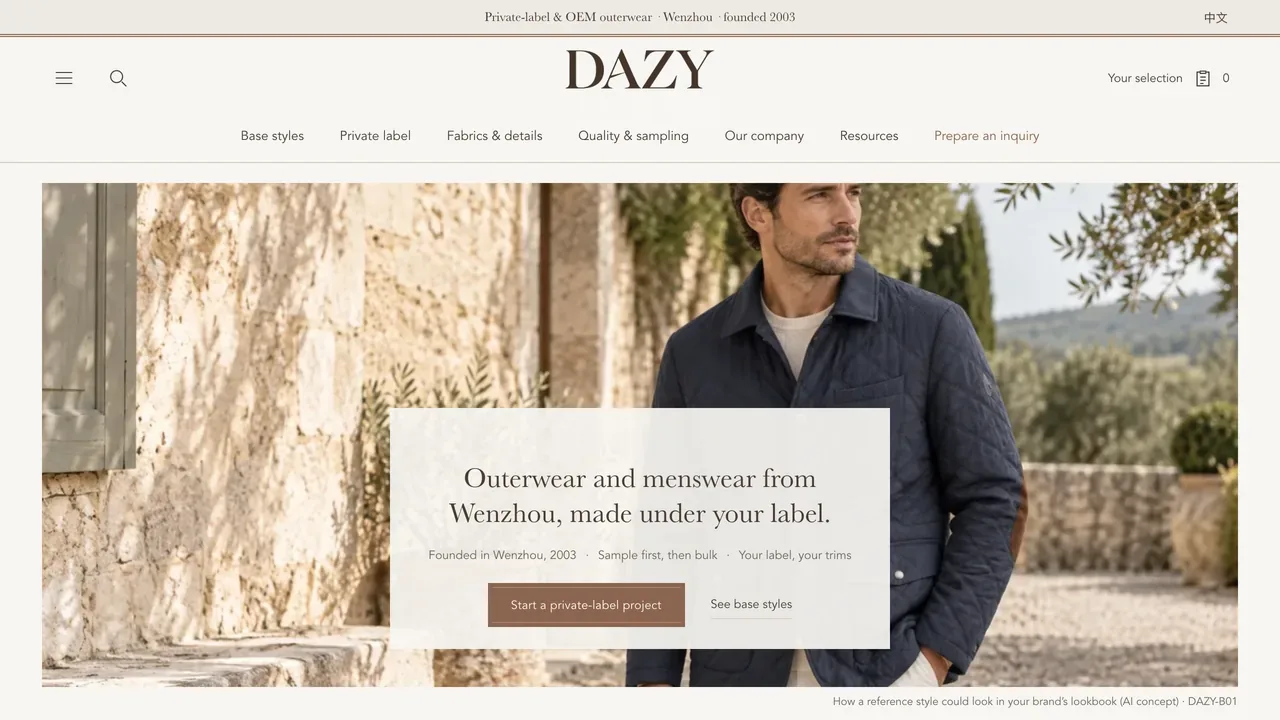
DAZY outerwear showroom
 (opens in a new tab)
- What was built
- A live, bilingual B2B showroom for DAZY, a Wenzhou maker of men’s outerwear and casualwear founded in 2003, written for overseas brands that want production under their own label.
- Pages
- 53 pages: home, the full style list, 7 collection pages, 32 base-style pages, private label, fabrics, quality and sampling, company, buyer resources with 5 guides, the brief and privacy.
- Features
- A style selection and a brief builder that opens the buyer’s email app; a Canada and US buyer guide linked to official sources; a downloadable outerwear measurement template; zoomable product images. The site stays out of search results for now.
- Language
- English and Chinese, switchable on every page.
Design direction
- Structure
- A B2B showroom, not a shop: 32 base styles grouped by garment type, each with its own page, and every page leads to one brief instead of a cart; product images are labelled AI re-renders. No price, minimum or lead time goes on the page until the factory has confirmed it.
- Imagery
- Product studio images are AI re-renders of the factory’s own sample photos, and each one is labelled; the real sample photograph is one tab away. The home image is an AI concept. Company photos are real.
- Interaction
- Buyers collect styles into a selection, fill in one brief, then email, copy or download it. Nothing is sent until they send it.
Our productWeb app
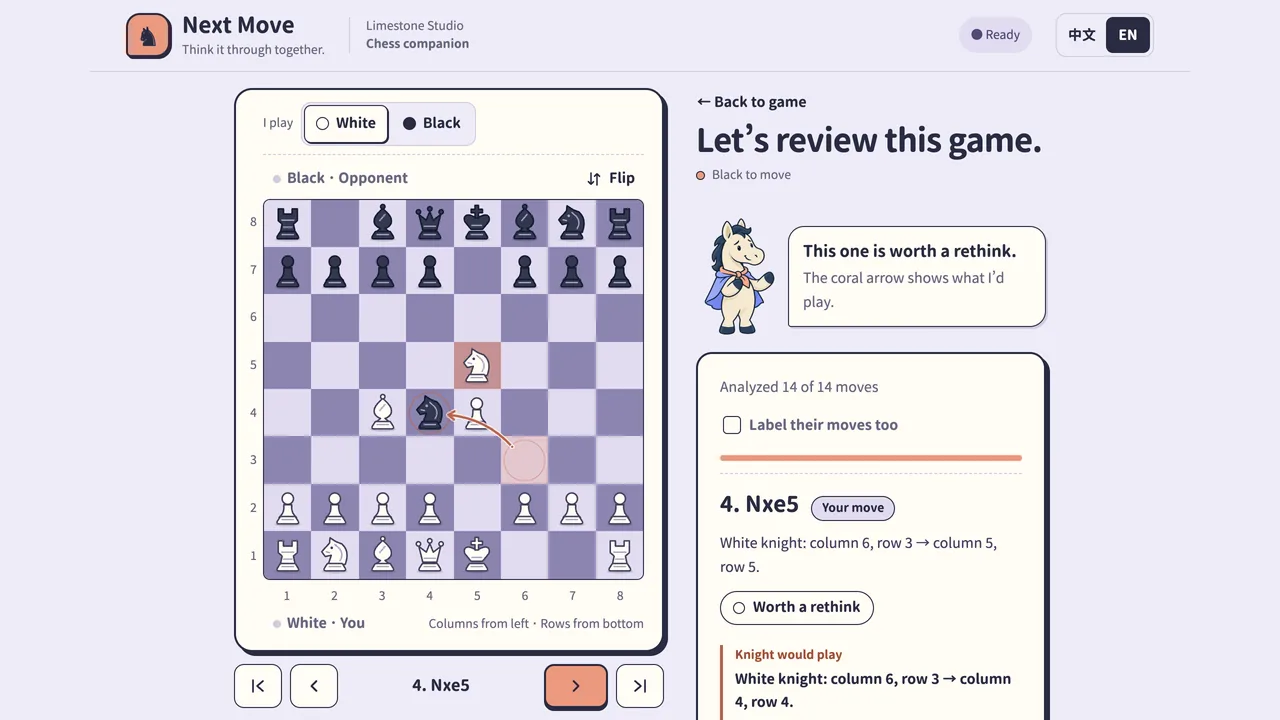
Next Move chess app
 (opens in a new tab)
- What was built
- Limestone Studio’s own chess review and practice tool, Chinese first. Stockfish 19 runs in the browser on your device: no account, no API key. It is for reviewing and practising; in online games, follow your platform’s rules.
- Pages
- One app with three modes (next move, screenshot endgames, game review) plus an About and open-source page.
- Features
- Reads a dark-theme board screenshot on your device, and you check the board before solving; endgame practice where you enter the opponent’s actual replies; paste-a-PGN review with a label on each move; an optional Lichess tablebase lookup that sends only the position; a bottom action bar on phones. Source code under GPL-3.0.
- Language
- Chinese first, with an English switch at the top of every screen.
Design direction
- Structure
- One screen, three jobs: review a finished game, practise an endgame, understand a move. The board stays on the left and the Knight’s advice on the right; on phones the advice moves into a bottom bar with a single main button.
- Imagery
- An original “comic chess club” look: lavender paper, ink outlines, original SVG pieces and coral for the move worth a look. The Knight is an AI-generated cartoon character with five poses, and the Chinese type is a rounded face with a real bold.
- Interaction
- Gentle on purpose. Review labels read “Same as Knight”, “Also fine”, “Worth a rethink” and “This one cost a bit”. In endgame practice the engine plays only your side: you enter the opponent’s actual reply before it thinks again.
Concept studies
Fictional businesses, built to show how we think.
ConceptDining
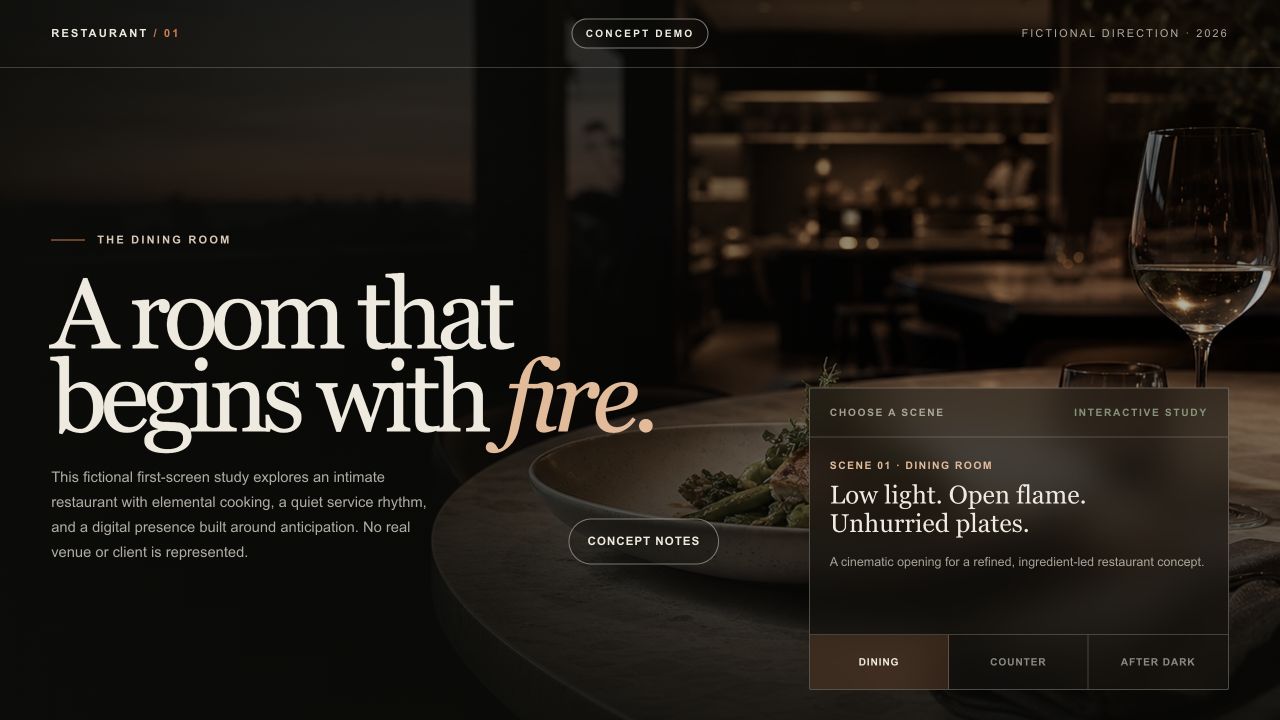
Restaurant concept
- What was built
- A restaurant first-screen study with three atmosphere settings.
- Pages
- One demo page: hero, scene selector and concept notes.
- Features
- Dining, Counter and After dark tabs; a concept-notes dialog; keyboard controls.
- Language
- English. The study notes on this site are in English and Chinese.
Design direction
- Structure
- An editorial layout that leads with atmosphere: full-width imagery, a menu treated as content rather than a PDF, hours and address always one glance away.
- Imagery
- Warm, low-light photography direction that sells the evening, not the daylight.
- Interaction
- Scroll-driven reveals kept slow and few: motion as seasoning, not the meal.
ConceptBakery
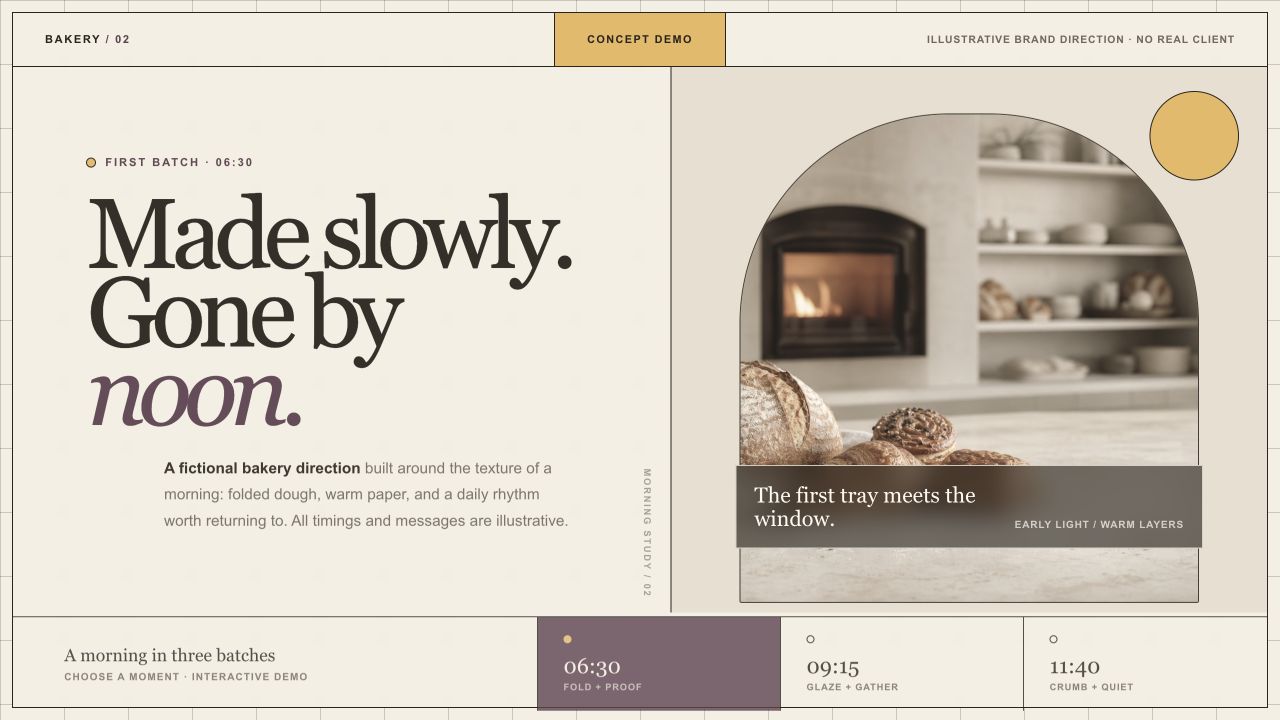
Bakery concept
- What was built
- A bakery first-screen study organised around the morning’s batches.
- Pages
- One demo page: hero, product image and batch selector.
- Features
- Three batch buttons update the text and image treatment; keyboard-accessible selection.
- Language
- English. The study notes on this site are in English and Chinese.
Design direction
- Structure
- A morning-first page order: what’s fresh today sits above the fold, the story below it. Opening hours get unusual prominence because bakeries live and die by them.
- Imagery
- Bright, close-up product photography against neutral surfaces.
- Interaction
- A light touch — hover states and one gentle marquee. Bakery customers are in a hurry.
ConceptCafé
Café concept
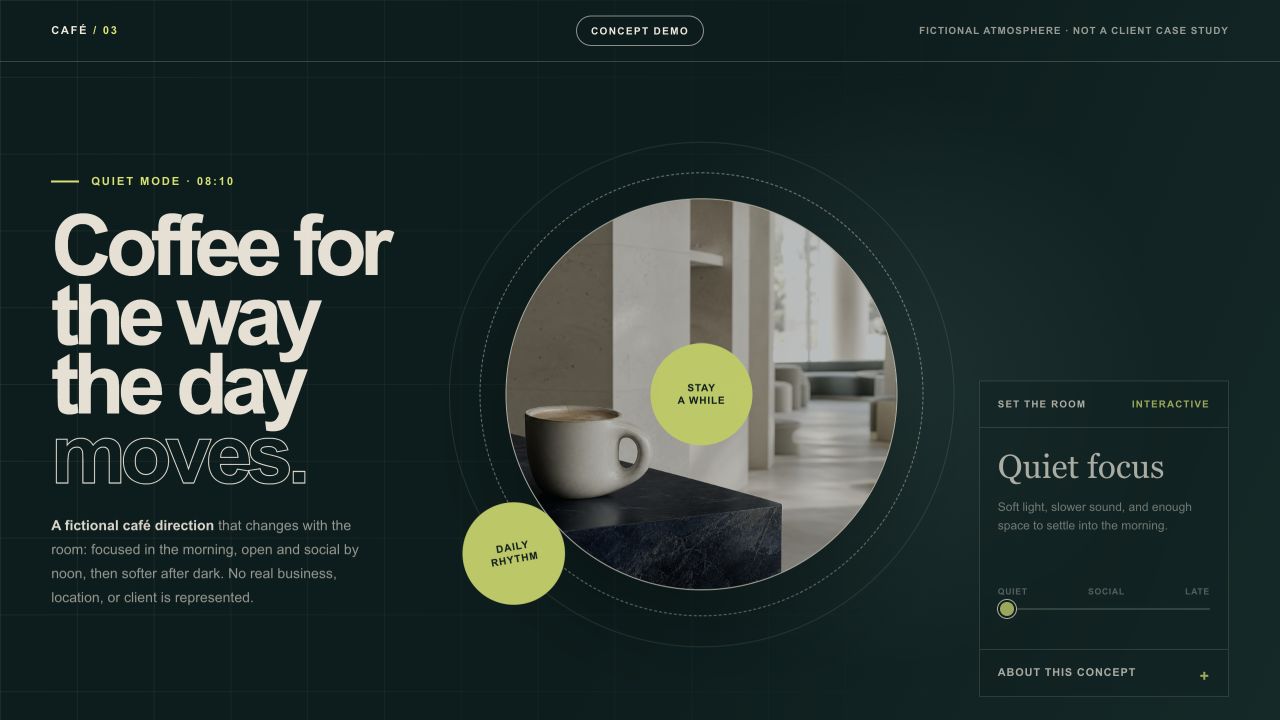
- What was built
- A café first-screen study that changes with the time of day.
- Pages
- One demo page: hero, image and daypart control.
- Features
- A range control changes the atmosphere and copy; arrow keys work too.
- Language
- English. The study notes on this site are in English and Chinese.
Design direction
- Structure
- A daypart layout: the page reorganizes around morning coffee, lunch and afternoon work sessions, because a café is three businesses in one room.
- Imagery
- People-in-space photography over product close-ups — cafés sell seats, not just cups.
- Interaction
- An interactive daypart switcher as the centrepiece, everything else kept still.